Image 1 of 29
Image 2 of 29
Image 3 of 29
Image 4 of 29
Image 5 of 29
Image 6 of 29
Image 7 of 29
Image 8 of 29
Image 9 of 29
Image 10 of 29
Image 11 of 29
Image 12 of 29
Image 13 of 29
Image 14 of 29
Image 15 of 29
Image 16 of 29
Image 17 of 29
Image 18 of 29
Image 19 of 29
Image 20 of 29
Image 21 of 29
Image 22 of 29
Image 23 of 29
Image 24 of 29
Image 25 of 29
Image 26 of 29
Image 27 of 29
Image 28 of 29
Image 29 of 29
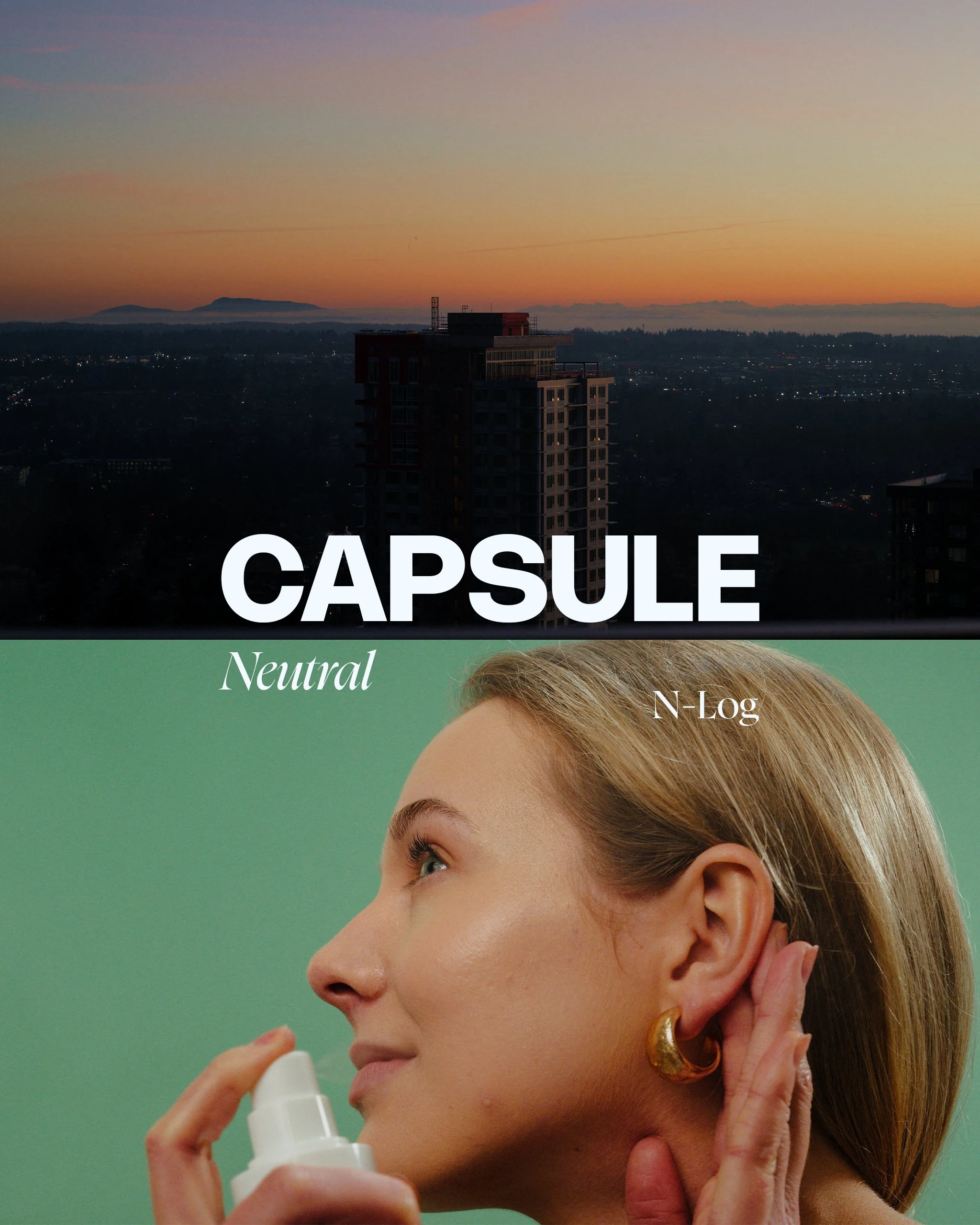
Capsule LUTs: Neutral (S-Log 3)
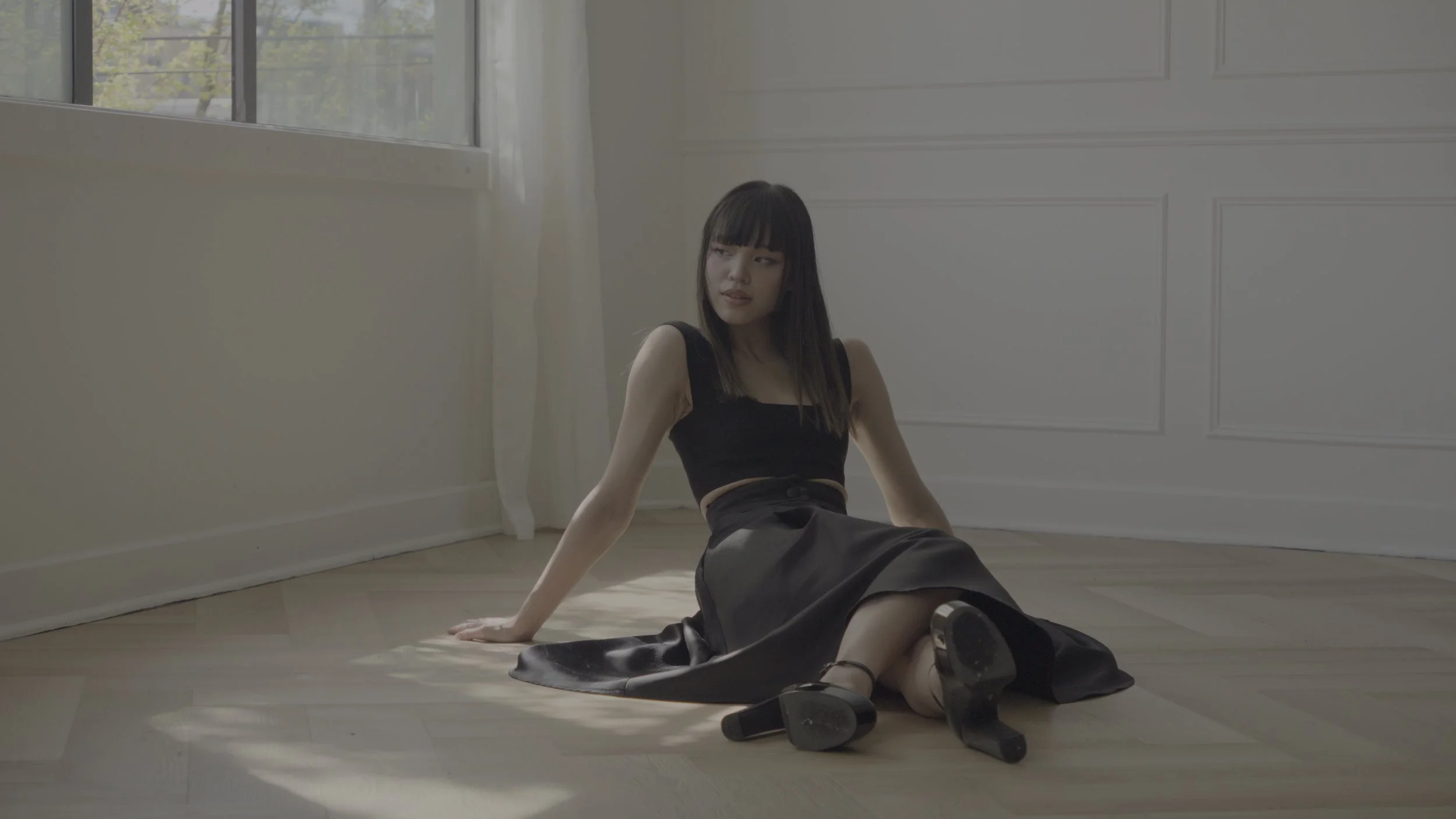
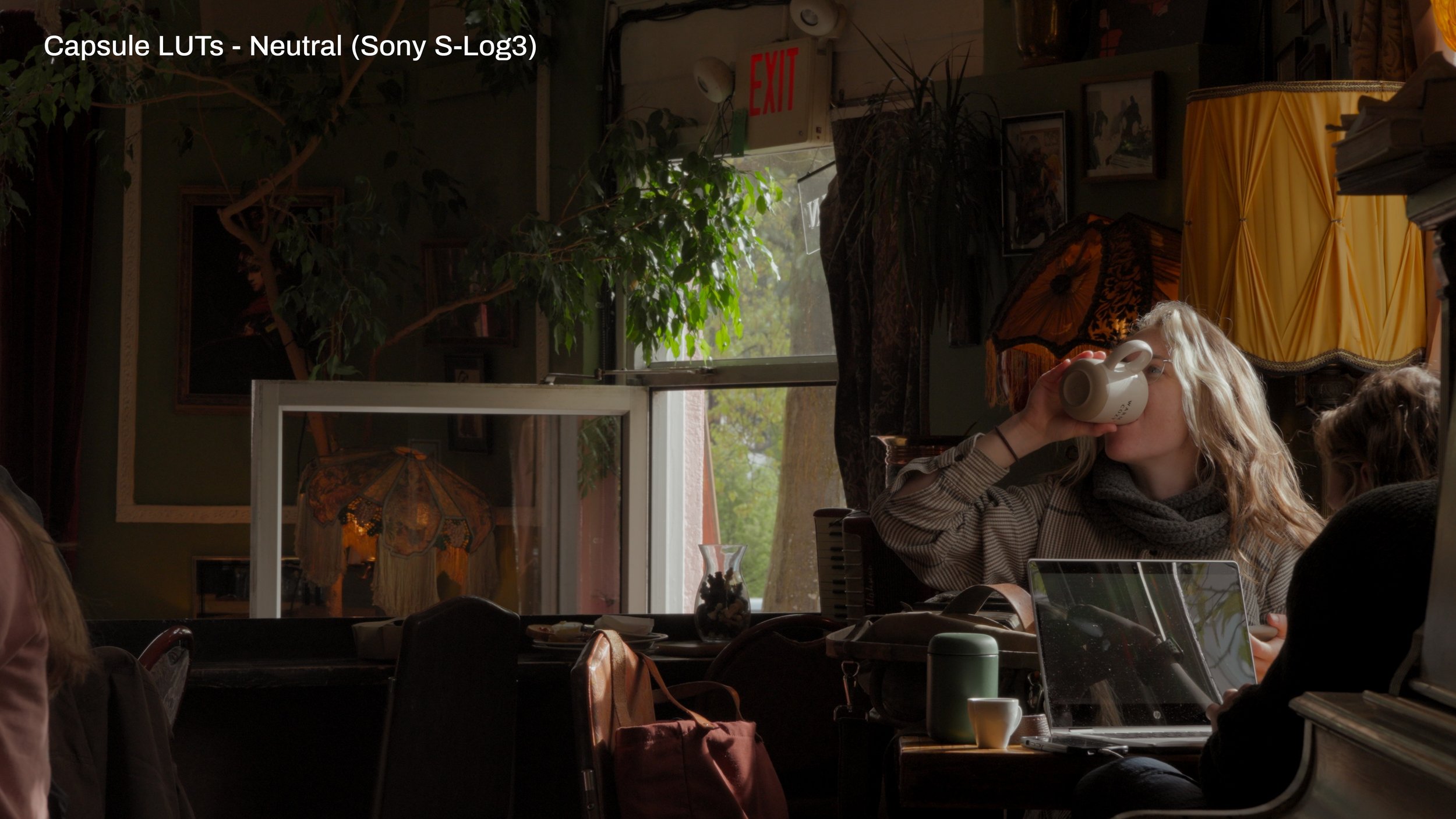
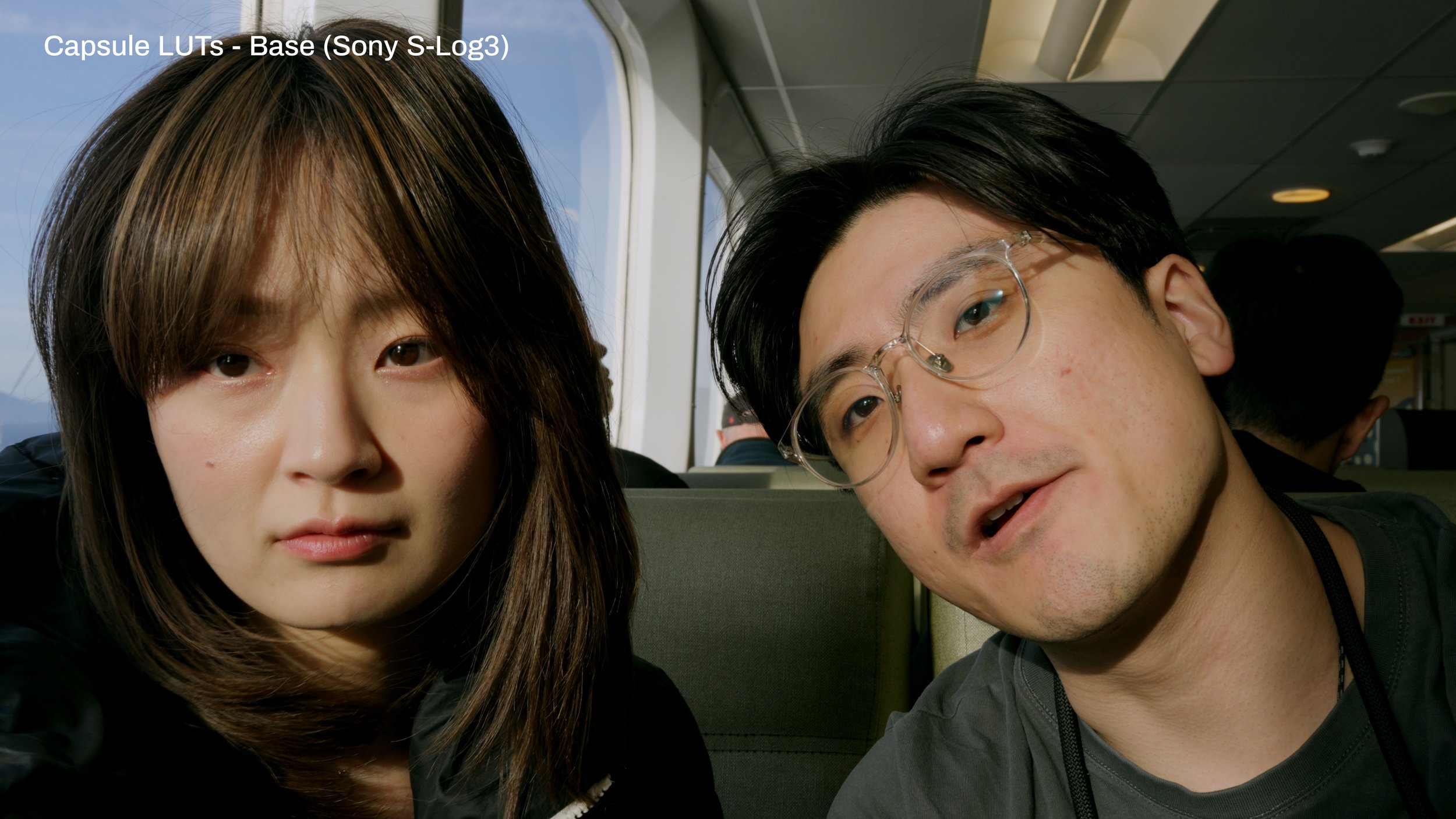
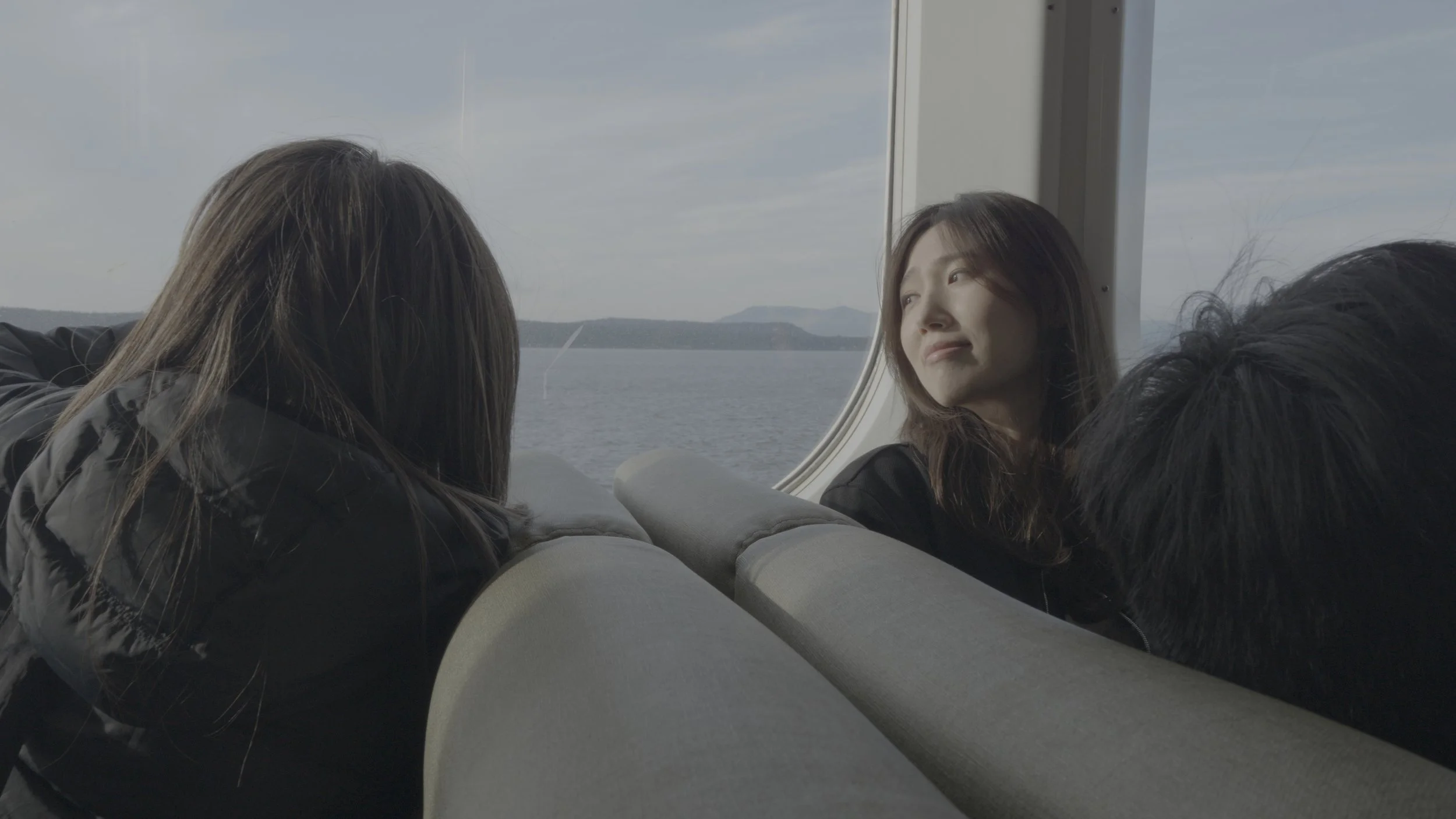
The second LUT in the Capsule LUTs series. I am approaching this series of LUTs like a capsule wardrobe: a collection of LUTs that will cover most of your needs.
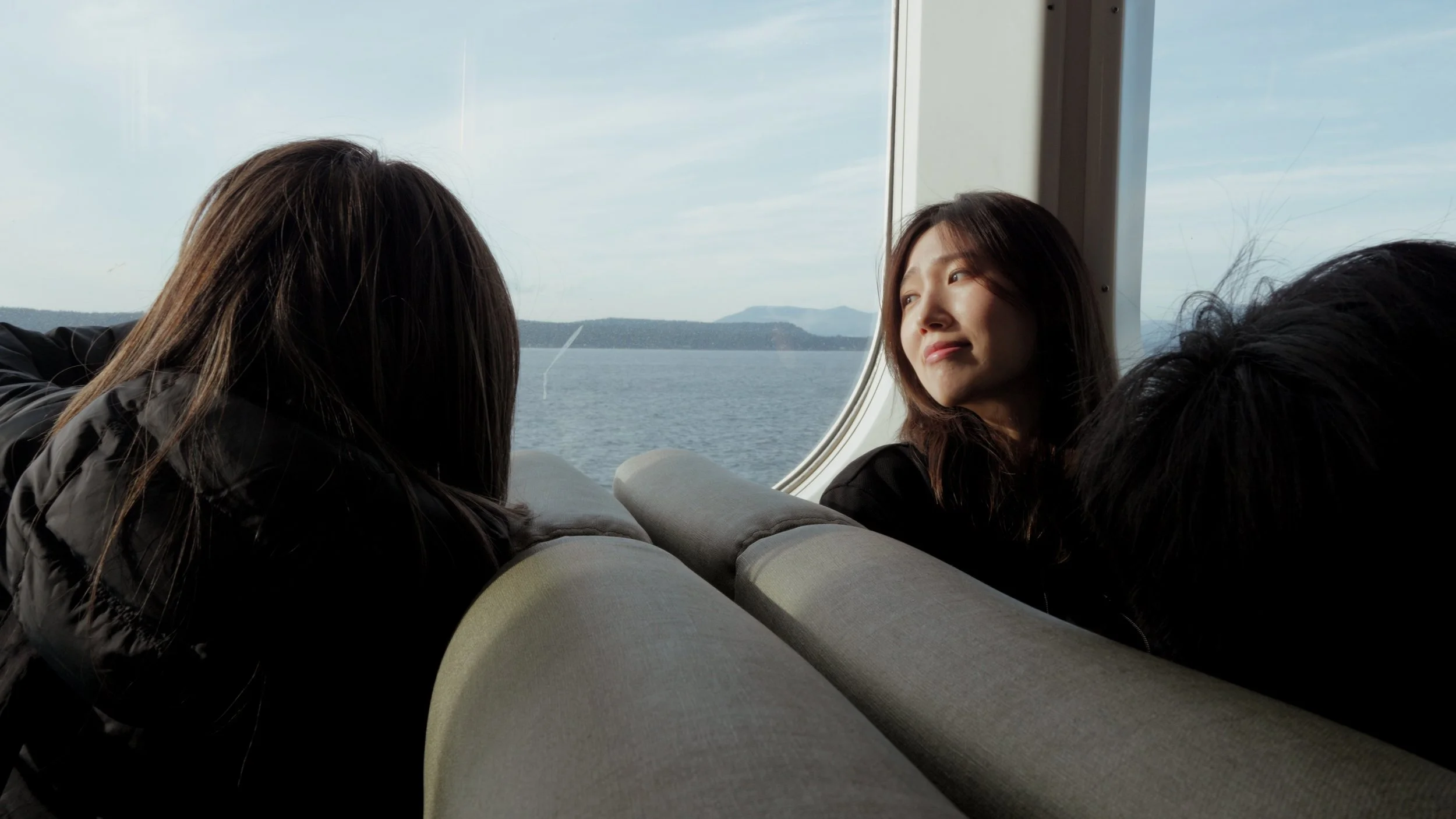
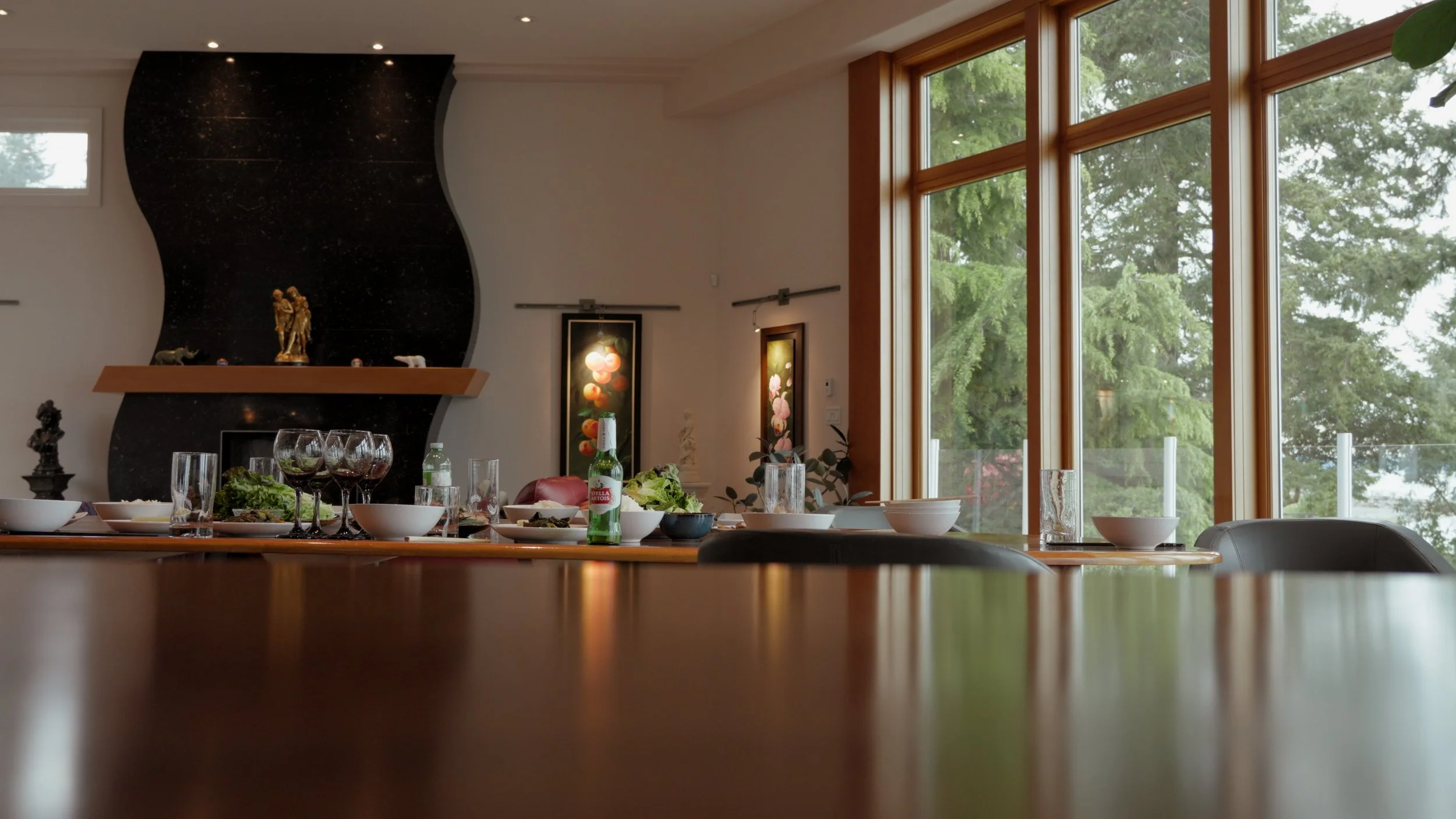
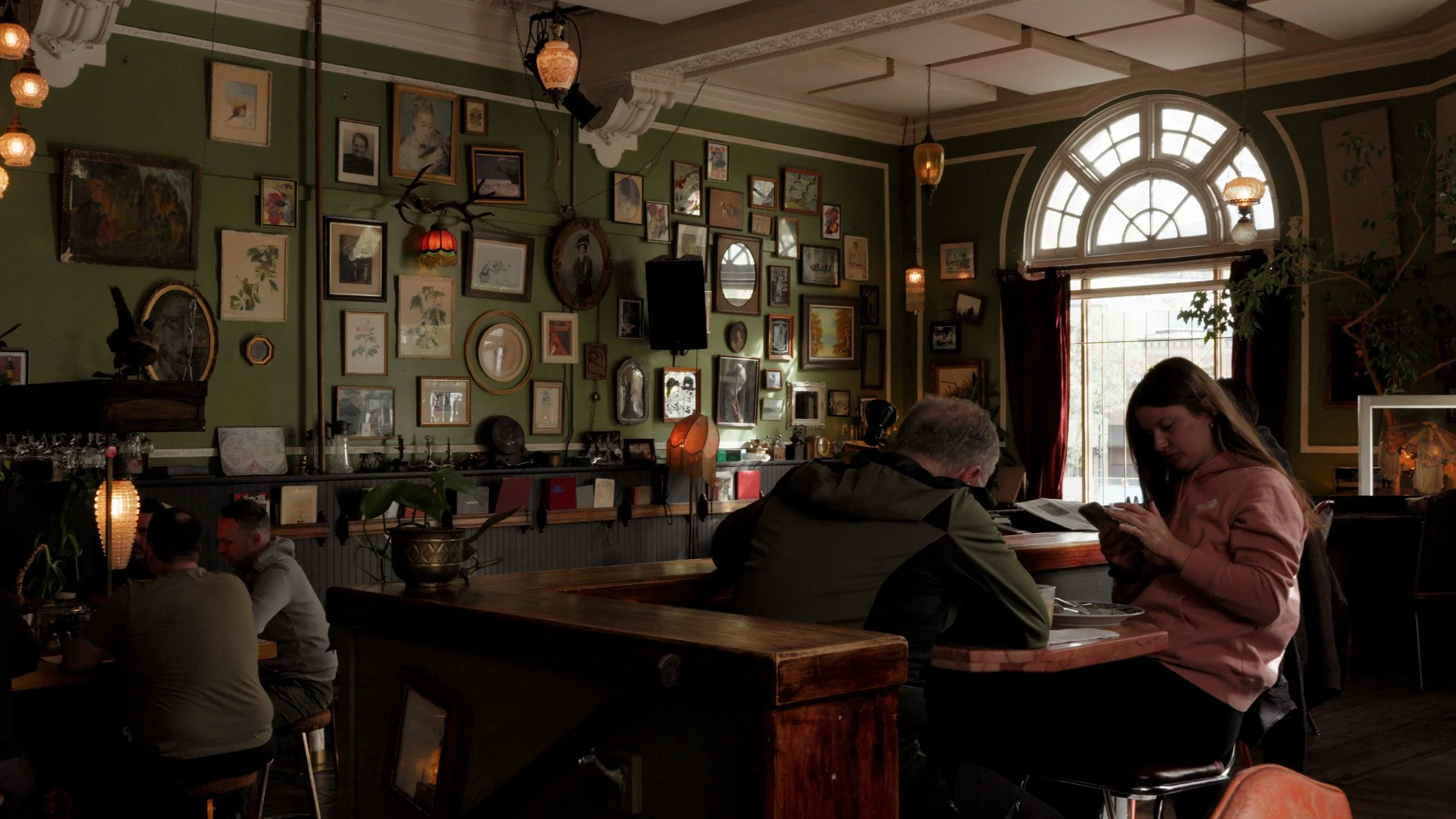
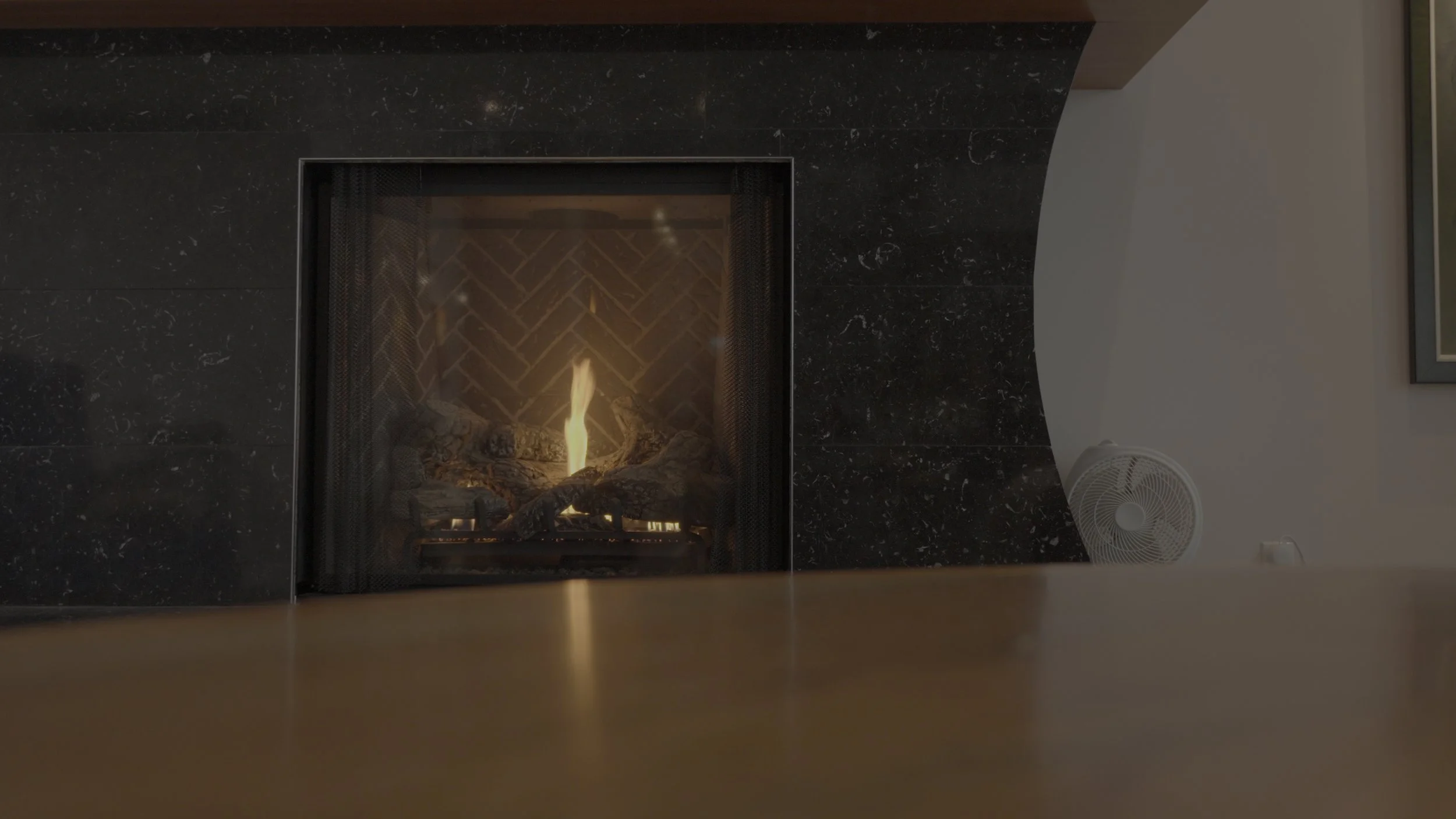
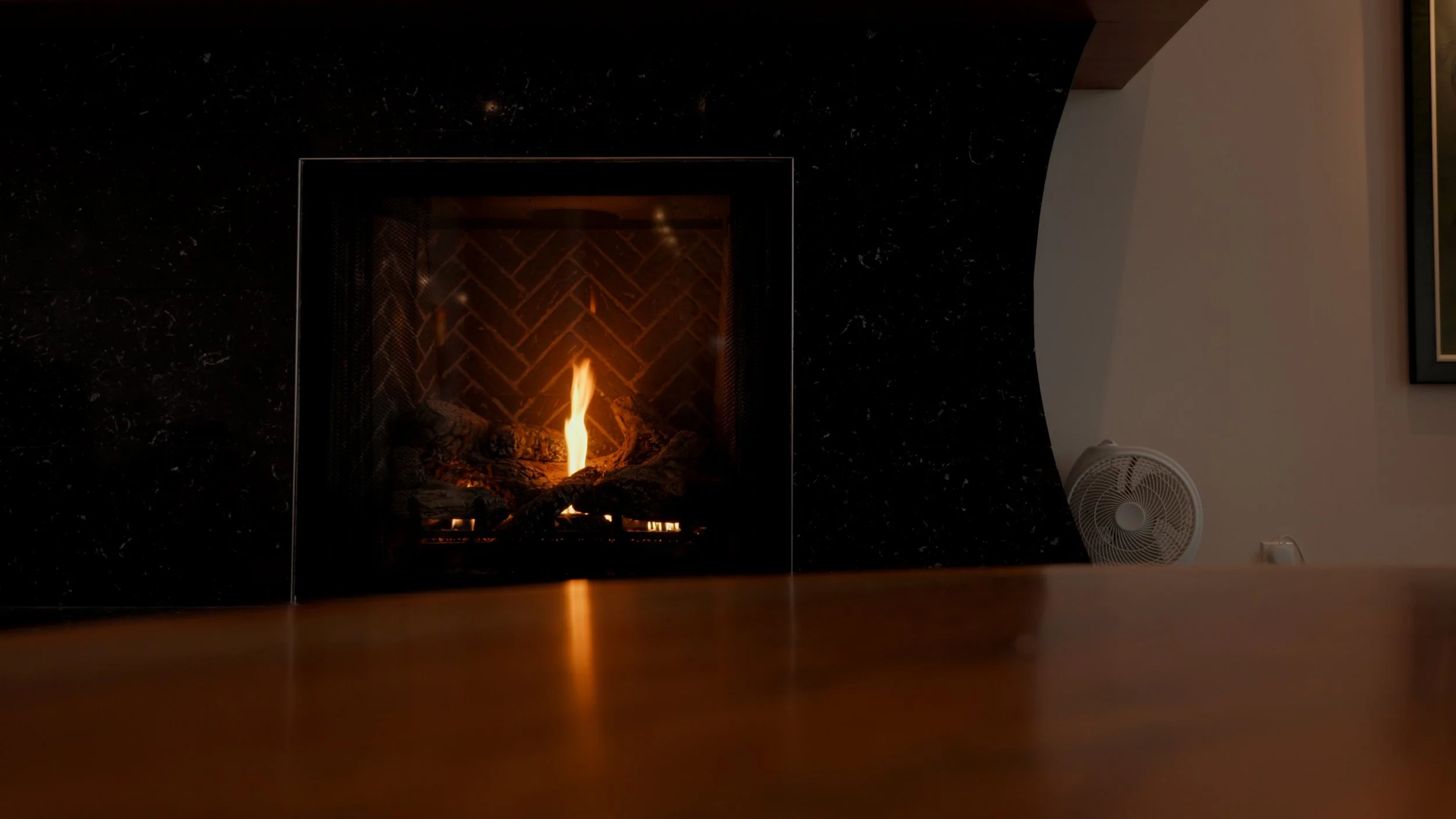
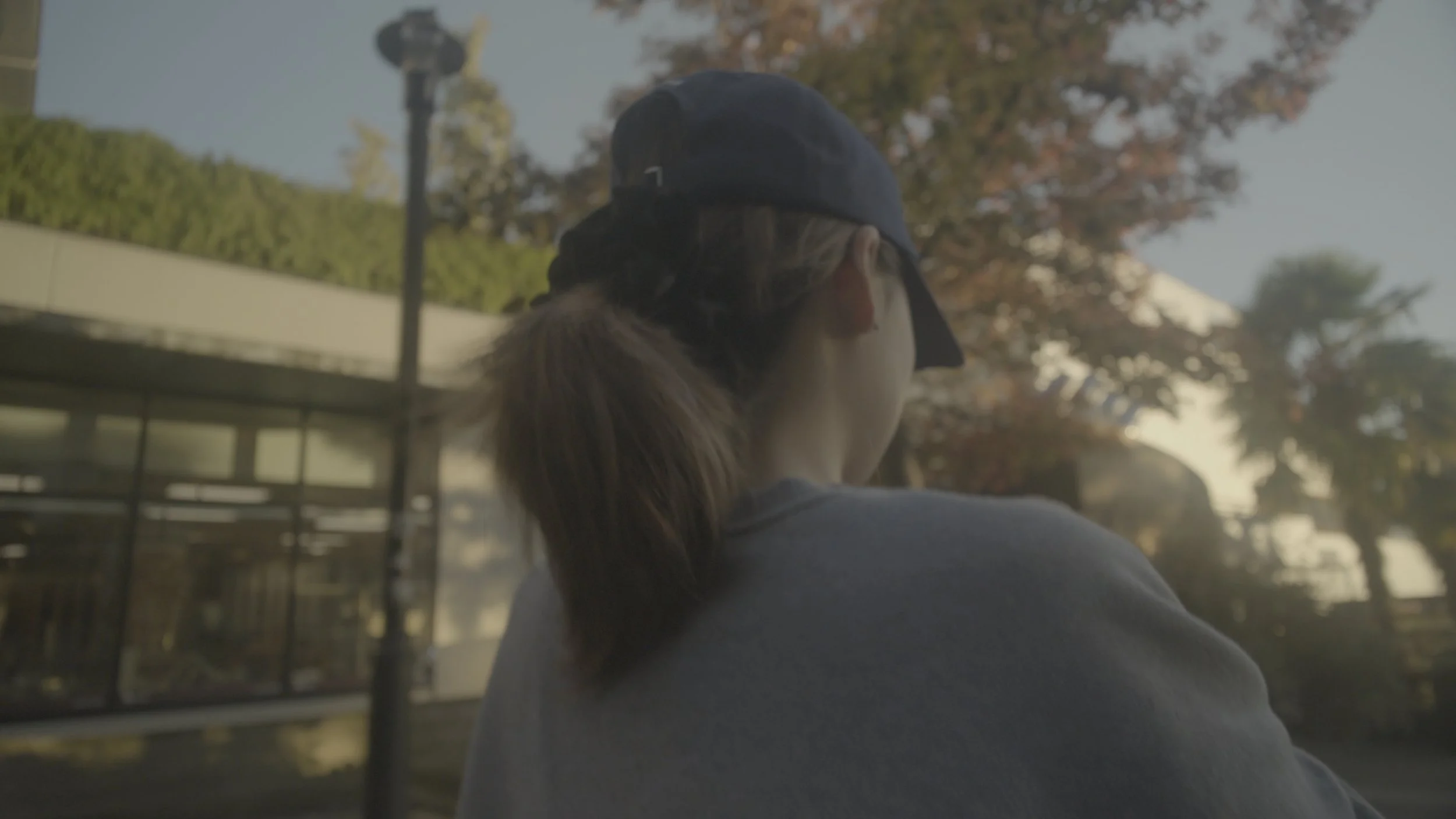
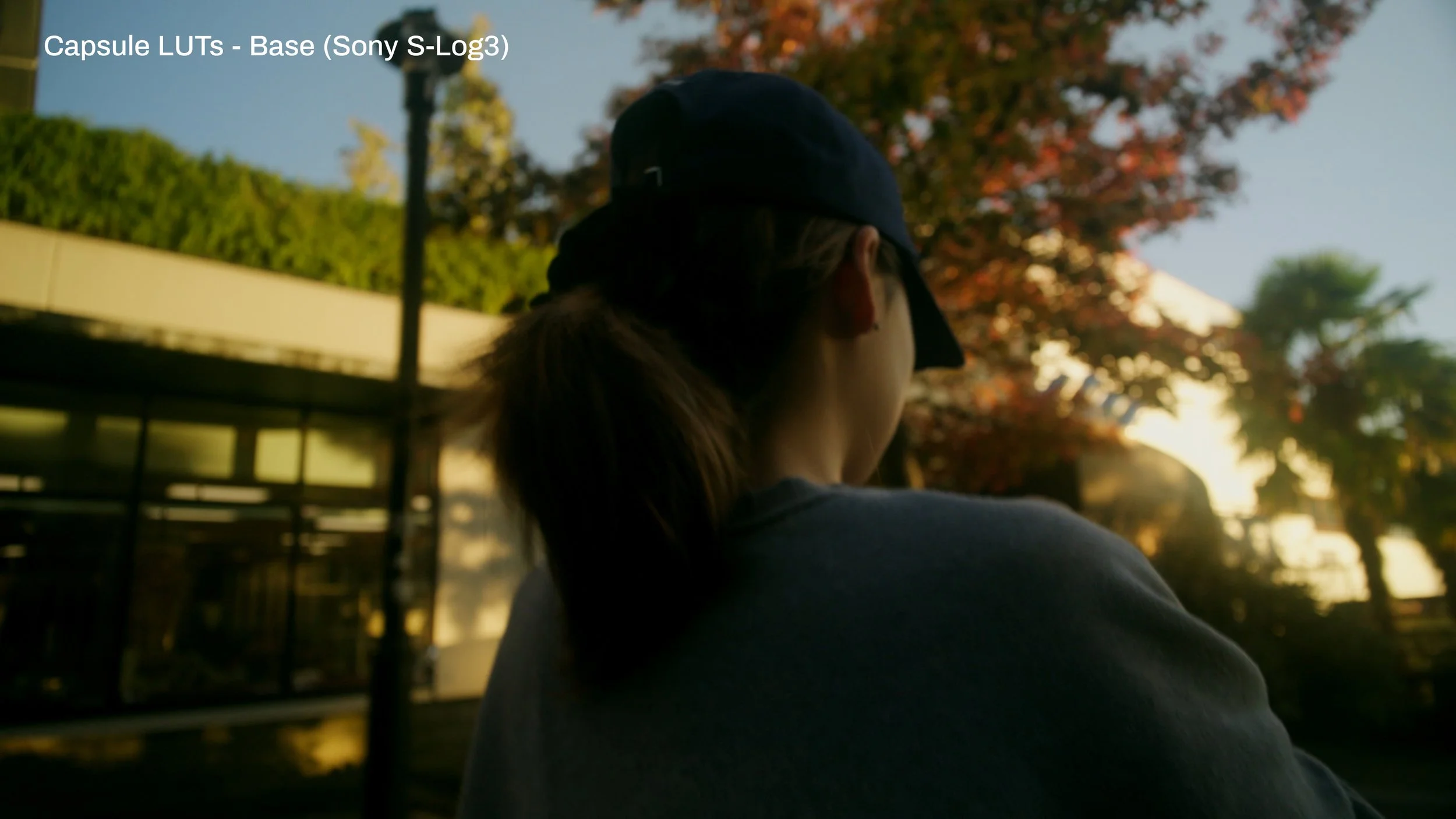
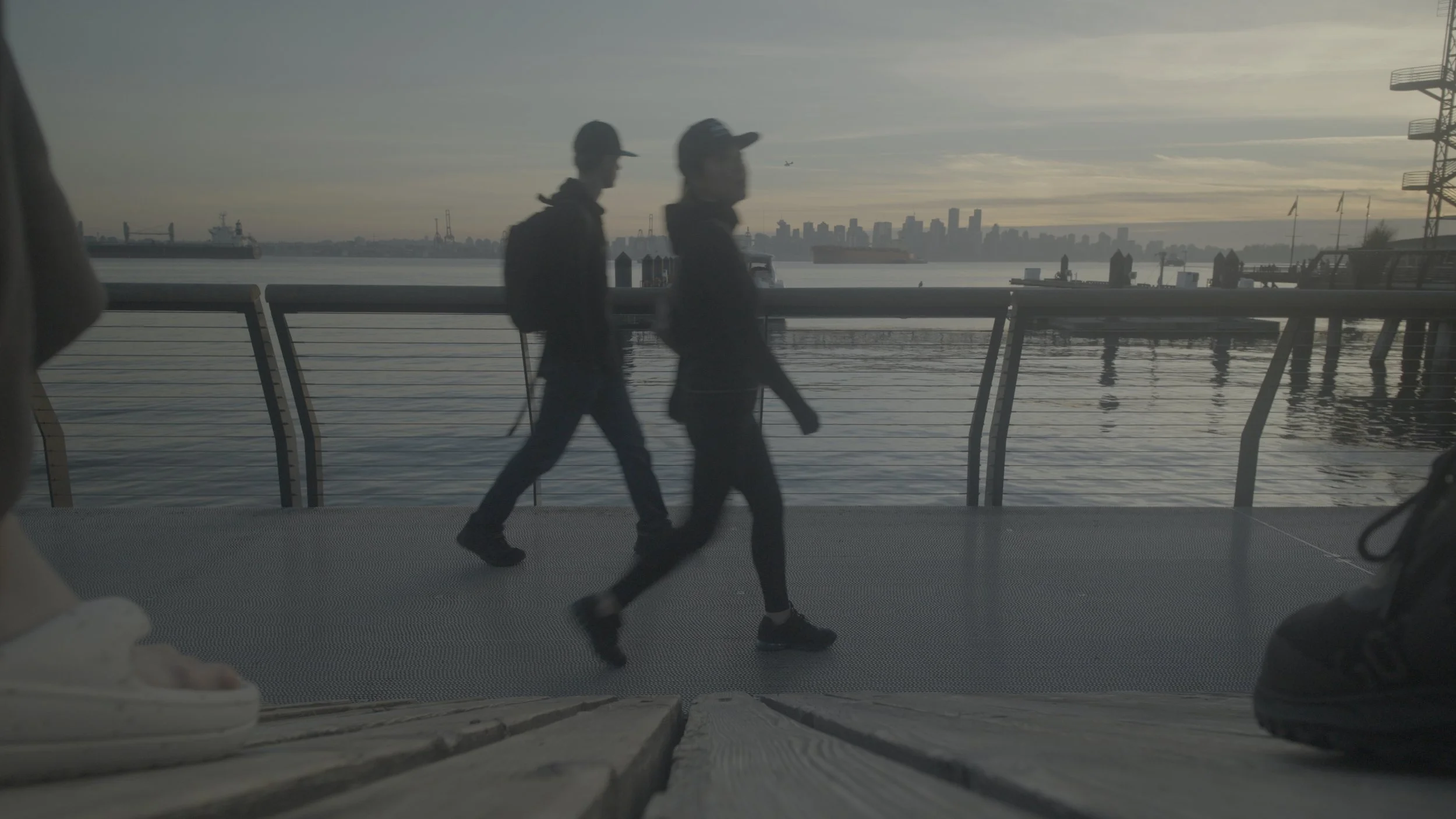
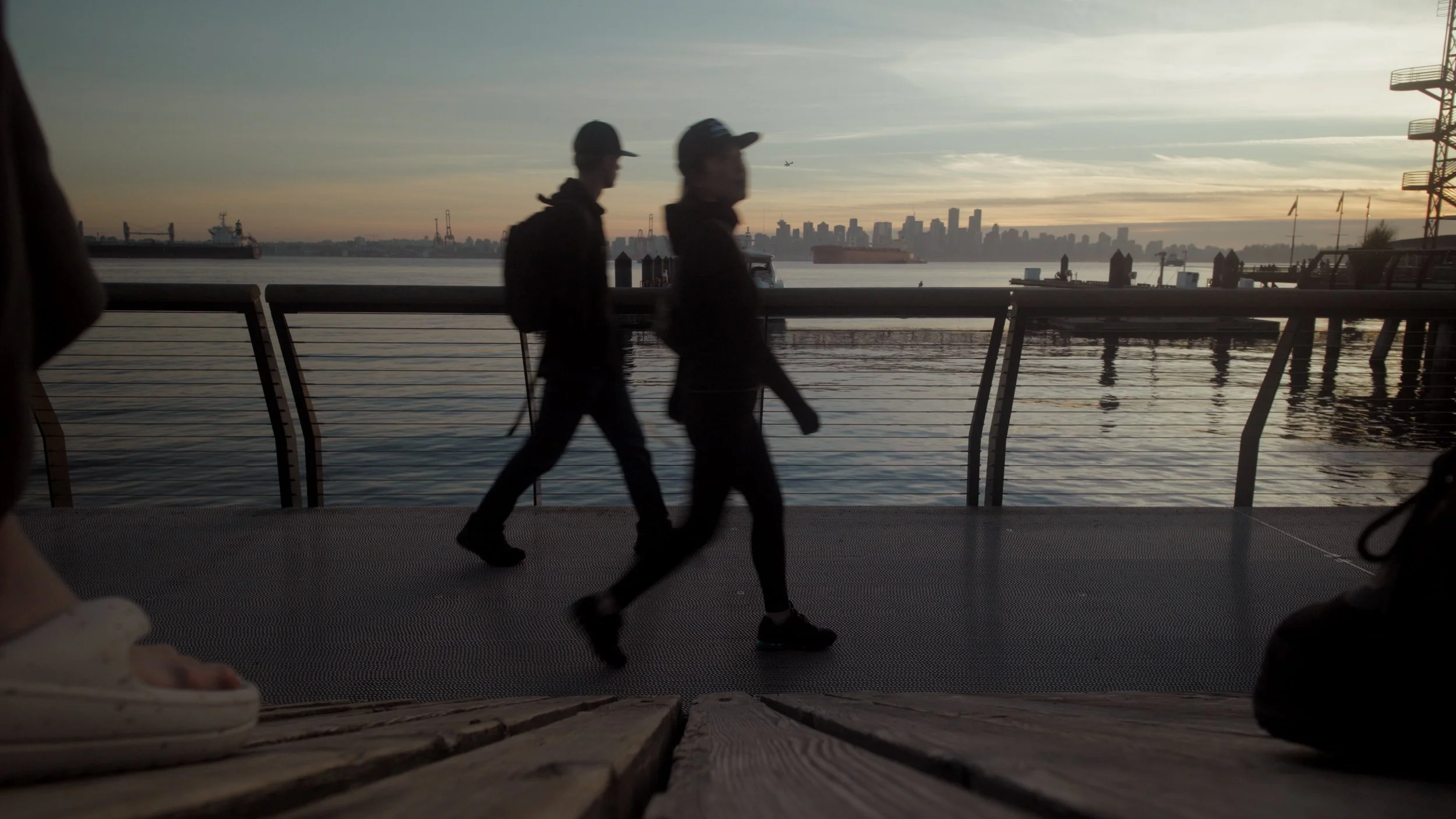
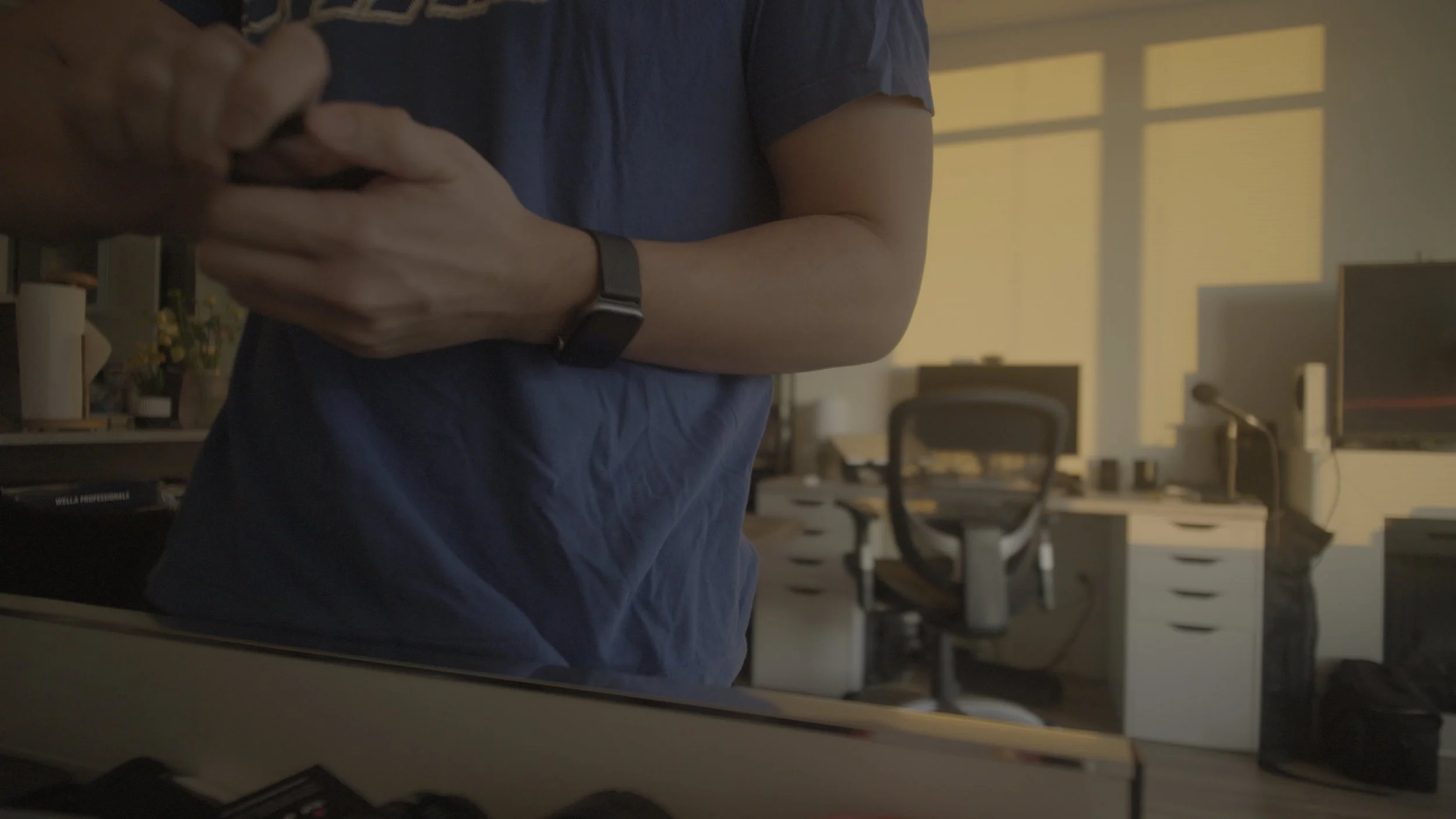
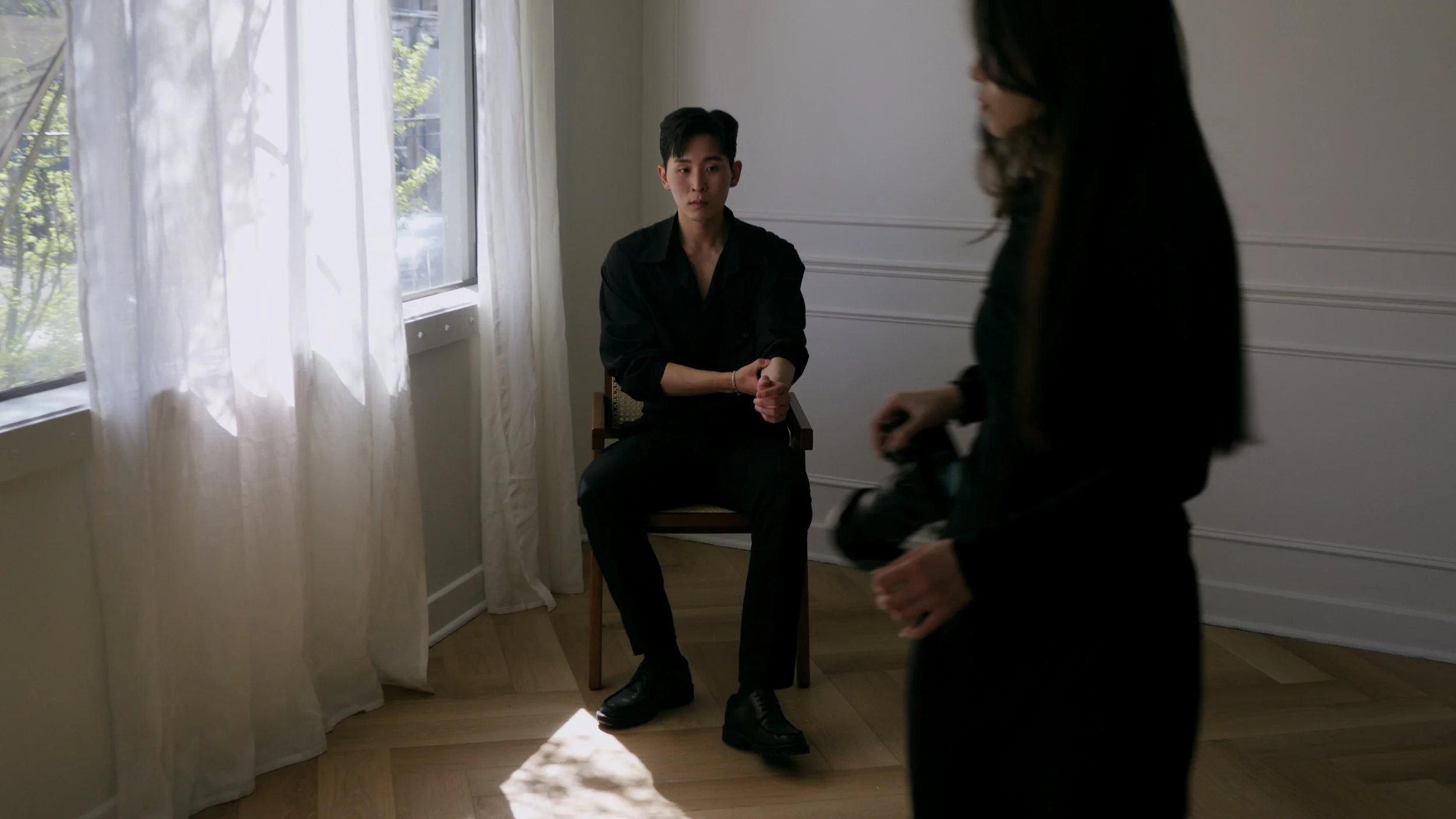
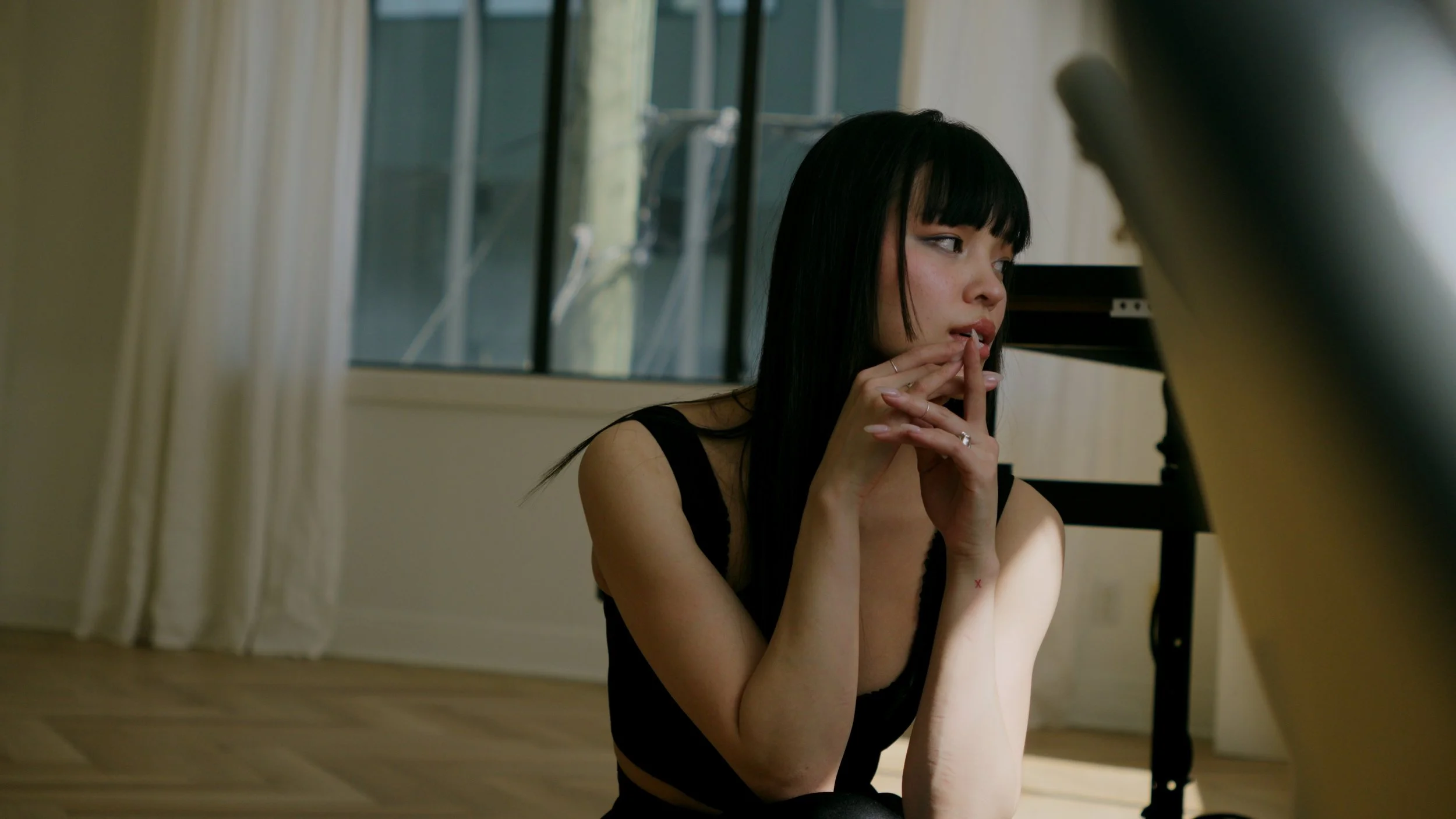
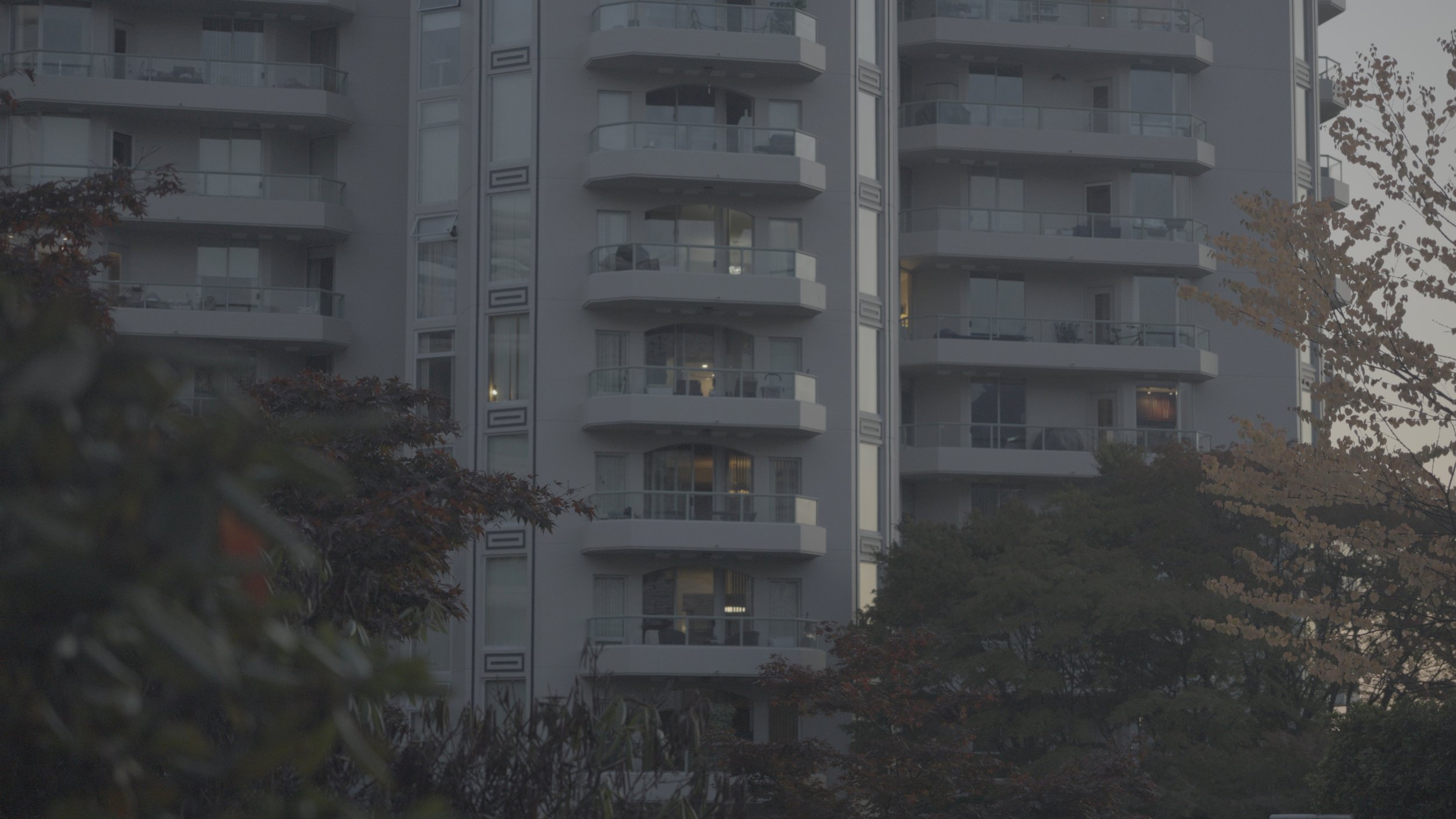
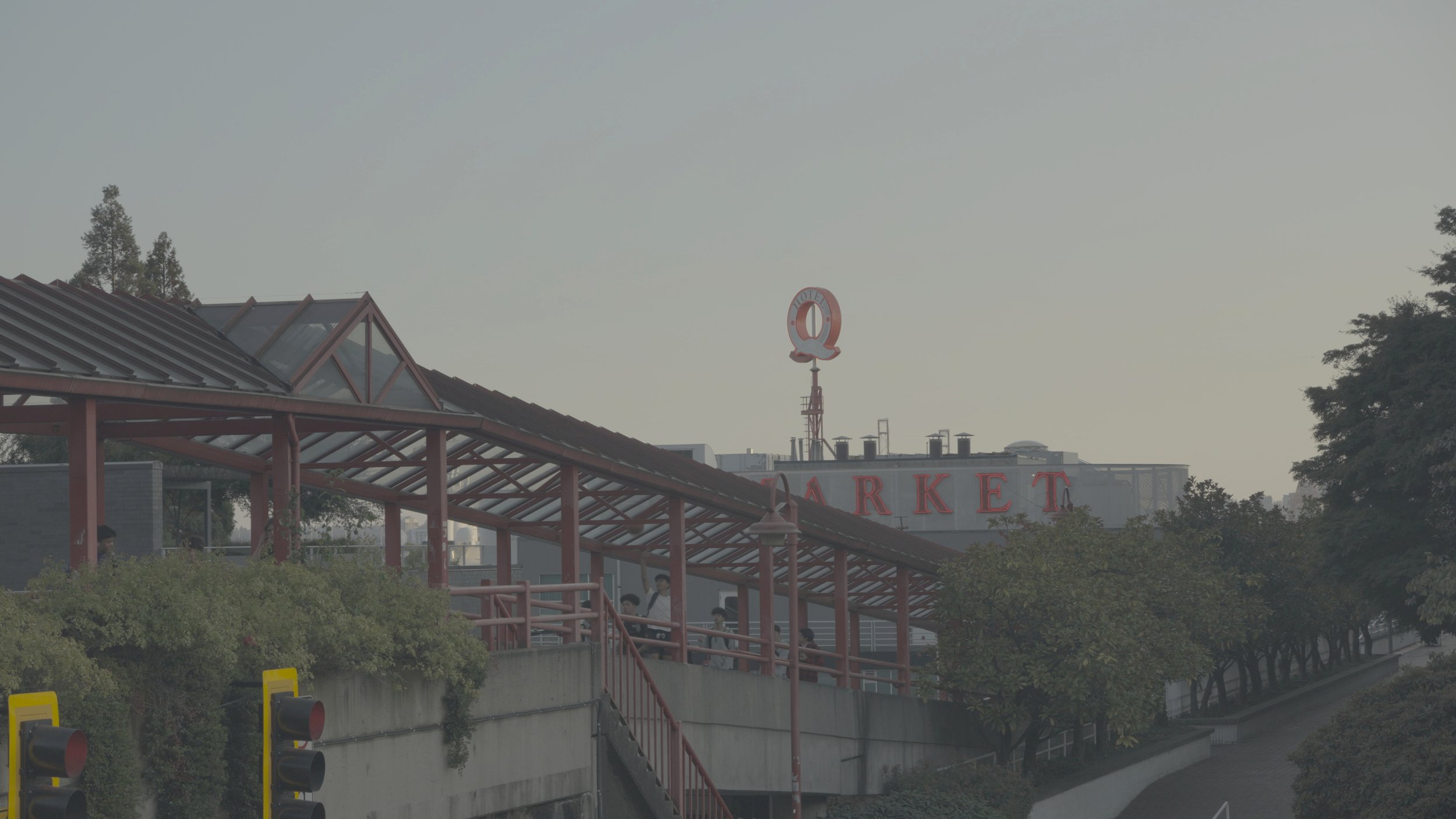
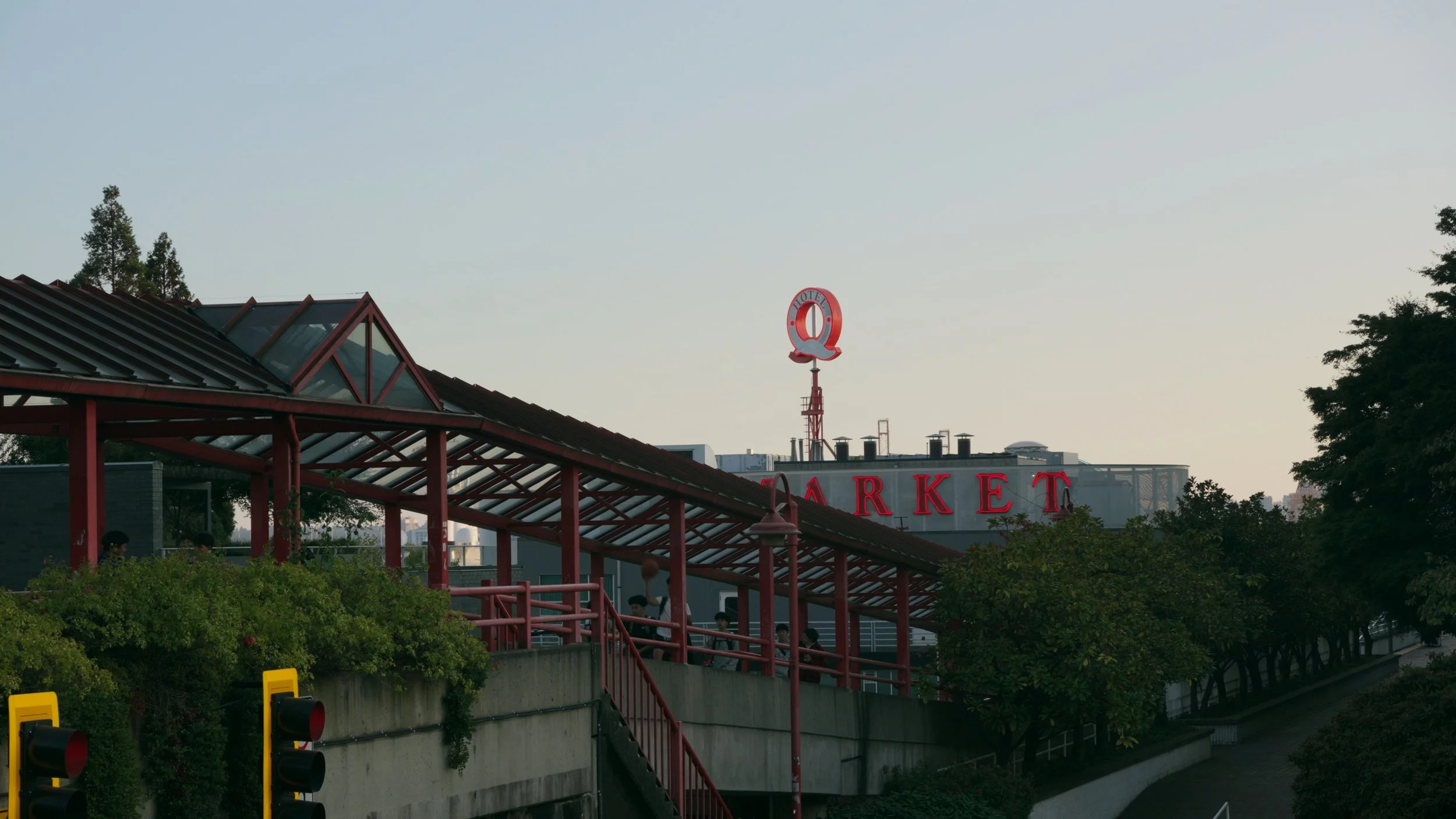
This neutral utility LUT provides a versatile starting point that can be further tweaked to taste. It was created in DaVinci Resolve for Sony cameras capable of shooting in 10-bit S-Log3, such as the Sony a6700, FX3, A7SIII, A7IV, and A7RV. I have added a slight rolloff in the highlights, tempered contrast, and mild saturation with pleasing luminance adjustments—all while retaining proper skin tones. It works great in a variety of scenarios.
Click on a sample image to view fullscreen!
Please note that LUTs are not meant to be one-and-done tools. I would recommend correcting white balance and exposure at the clip level. After applying the LUT you may need to add more contrast or saturation to taste.
For those working in a DaVinci Wide Gamut color managed workflow, I have also included the DWG version of this LUT for you to put in the middle of your node chain! I use this when I want finer control over my nodes.
Included:
1 Zip file containing 2 .Cube LUT files.
Sample video: https://youtu.be/rxNEoSEIjaw
The second LUT in the Capsule LUTs series. I am approaching this series of LUTs like a capsule wardrobe: a collection of LUTs that will cover most of your needs.
This neutral utility LUT provides a versatile starting point that can be further tweaked to taste. It was created in DaVinci Resolve for Sony cameras capable of shooting in 10-bit S-Log3, such as the Sony a6700, FX3, A7SIII, A7IV, and A7RV. I have added a slight rolloff in the highlights, tempered contrast, and mild saturation with pleasing luminance adjustments—all while retaining proper skin tones. It works great in a variety of scenarios.
Click on a sample image to view fullscreen!
Please note that LUTs are not meant to be one-and-done tools. I would recommend correcting white balance and exposure at the clip level. After applying the LUT you may need to add more contrast or saturation to taste.
For those working in a DaVinci Wide Gamut color managed workflow, I have also included the DWG version of this LUT for you to put in the middle of your node chain! I use this when I want finer control over my nodes.
Included:
1 Zip file containing 2 .Cube LUT files.
Sample video: https://youtu.be/rxNEoSEIjaw